










“Wireless Earbuds FAQ 2025: Everything You Need to Know”

🏆1-Do You Need Wi-Fi to Use Wireless Earbuds?
Wireless earbuds have become one of the most popular tech accessories in recent years, offering freedom from tangled wires and a seamless listening experience. However, many users still wonder: Do you need Wi-Fi to use wireless earbuds? The short answer is No — most wireless earbuds do not require Wi-Fi to function. Instead, they connect primarily through Bluetooth technology. Let’s break it down in detail.
🔹 How Wireless Earbuds Work
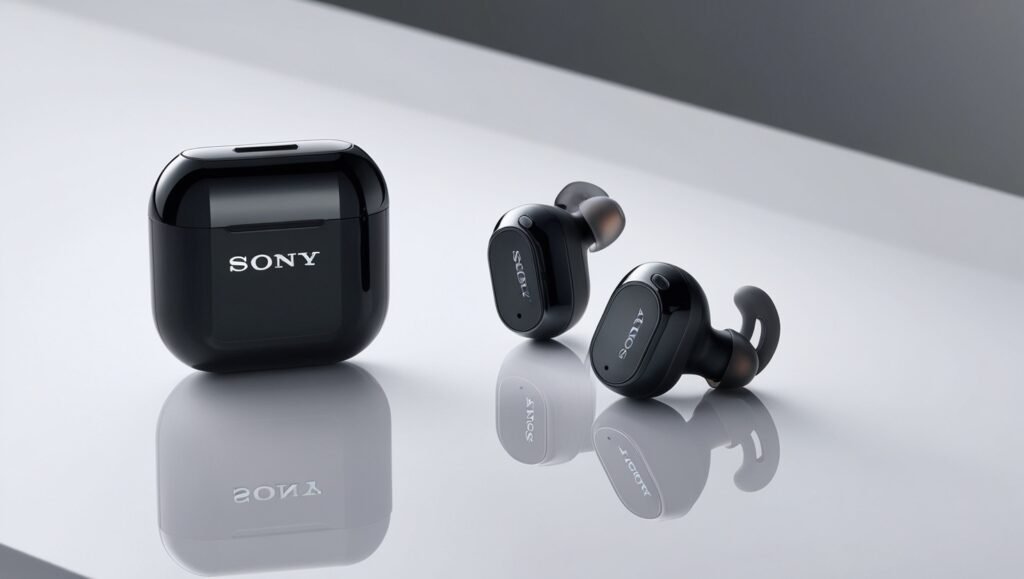
Wireless earbuds, such as AirPods, Bose QuietComfort Ultra, Xiaomi TWS Earbuds, and Sony TWS Earbuds, are designed to connect to your devices using Bluetooth. Bluetooth is a short-range wireless communication technology that allows devices like smartphones, tablets, and laptops to pair directly with your earbuds.
This means you can listen to music, make phone calls, or play games without needing an internet connection.
🔹 When Do You Need Wi-Fi?
Even though the earbuds themselves don’t require Wi-Fi, your audio source might:
- Streaming Music – If you’re using apps like Spotify, Apple Music, or YouTube, you’ll need Wi-Fi (or mobile data) to stream songs.
- Downloading Podcasts or Updates – If you want to update your device or download media, you’ll need Wi-Fi.
- Online Gaming or Video Calls – Platforms like Zoom, Teams, or online multiplayer games rely on Wi-Fi for real-time communication, but the earbuds still connect via Bluetooth.
In short: Wi-Fi provides the content, while Bluetooth delivers it to your ears.
🔹 Key Benefits of Bluetooth Wireless Earbuds
- No Internet Needed – You can play offline music, videos, or recordings without Wi-Fi.
- Universal Compatibility – Works with Android, iOS, Windows, and more.
- Portability – Easy to carry, with long battery life and compact charging cases.
- Advanced Features – Modern earbuds like the Xiaomi TWS Earbuds come with ENC noise cancellation, low-latency gaming mode, and touch controls — all without needing Wi-Fi.
🔹 Popular Wireless Earbuds Worth Considering
If you’re thinking about buying new earbuds, here are some top picks available at Devixo.store
- 🎧 Bose QuietComfort Ultra Wireless Bluetooth Headset – Only $109
- 🎧 Xiaomi TWS Earbuds – Bluetooth 5.3, ENC Mic, Touch Control
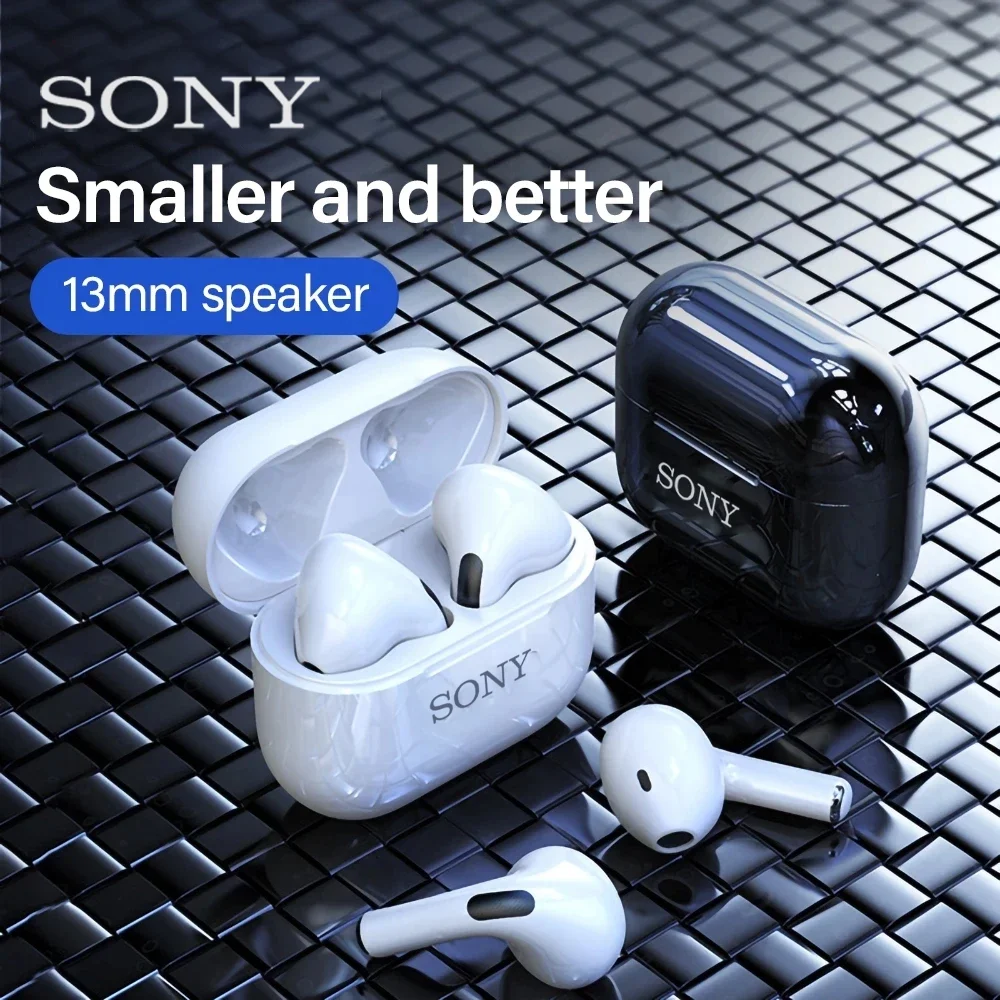
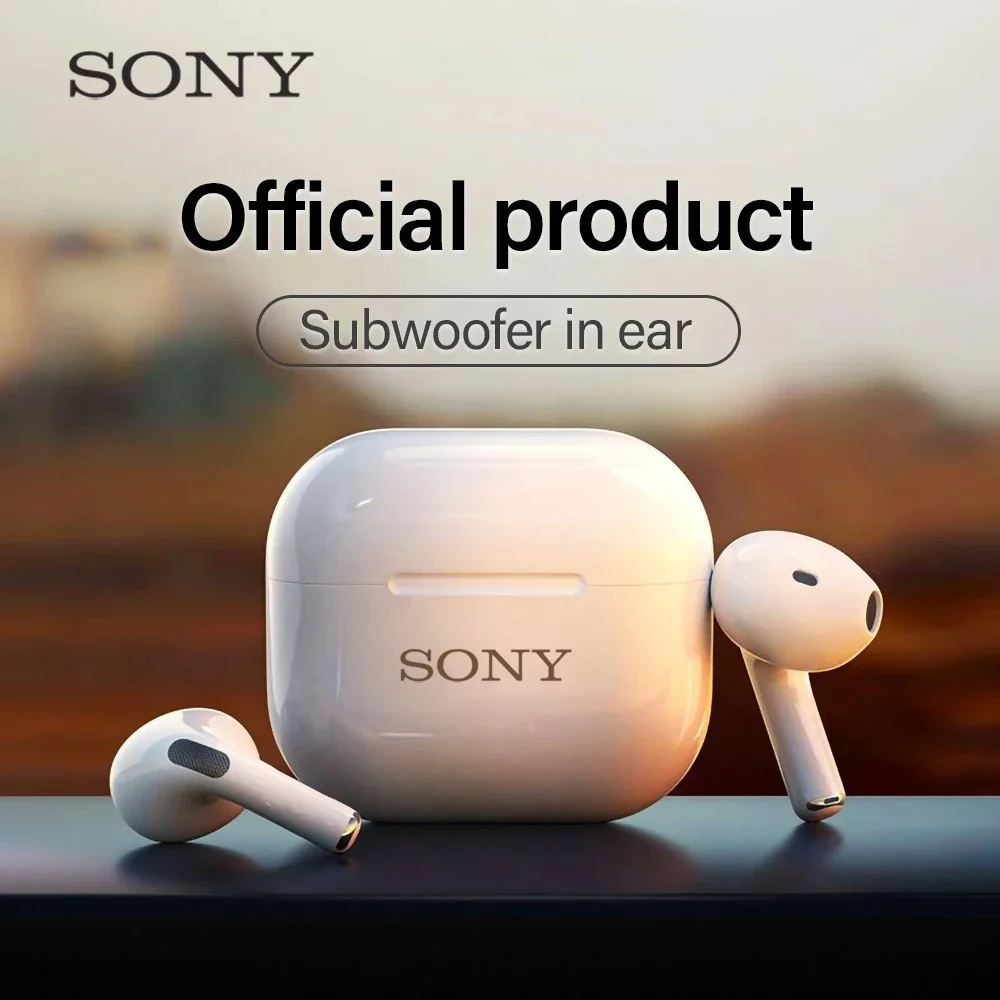
- 🎧 Sony TWS Mini Earbuds – Wireless Waterproof HiFi Sound
- 🎧 Xiaomi Mate 50 Wireless Earbuds – Bluetooth HiFi Mic
🔹 Final Answer
No, you don’t need Wi-Fi to use wireless earbuds.
They rely on Bluetooth technology to connect to your device. However, Wi-Fi (or mobile data) may be necessary depending on the activity — for example, streaming music, online gaming, or video calling.
So, whether you’re using them for workouts, travel, work, or just relaxing with your favorite playlist, wireless earbuds keep you connected to your audio world — with or without Wi-Fi.
🏆2-Do Wireless Earbuds Work with Any Phone?
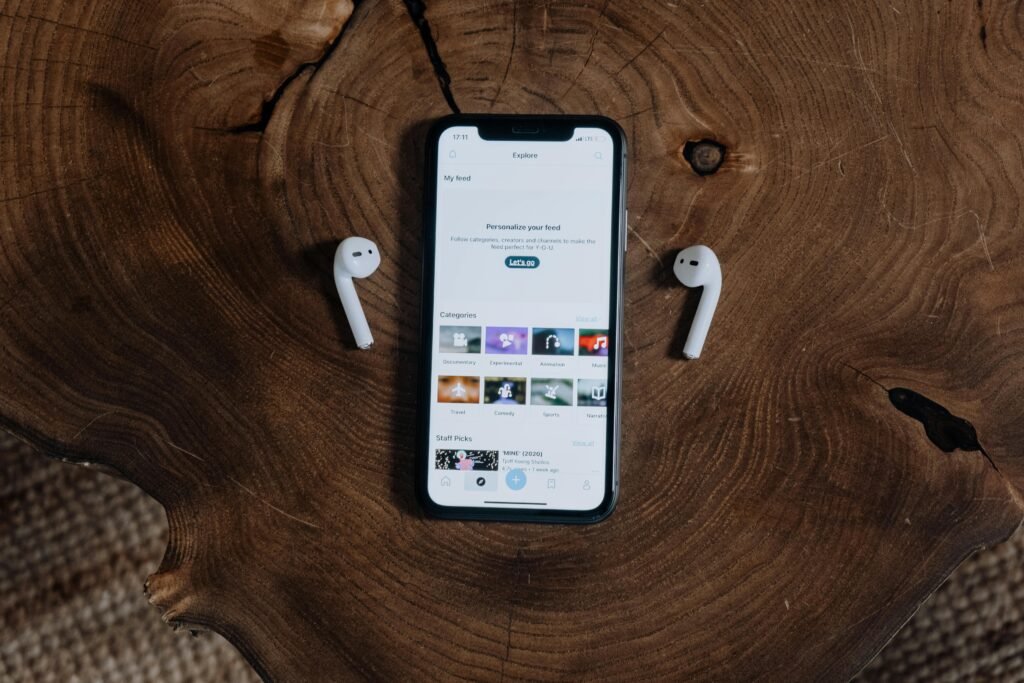

Wireless earbuds have become a must-have accessory in today’s digital lifestyle. Whether you’re listening to music, taking calls, or gaming, the convenience of going wireless is unmatched. But many people ask: Do wireless earbuds work with any phone? The answer is Yes, in most cases, but let’s dive deeper.
🔹 Bluetooth is the Key
Most wireless earbuds, including AirPods, Bose QuietComfort Ultra, Xiaomi TWS, and Sony TWS, use Bluetooth technology to connect with devices. Since nearly all modern smartphones (iPhone, Android, Samsung, Xiaomi, Huawei, etc.) come with Bluetooth built in, compatibility is rarely an issue.
- ✅ iPhones – Pair easily with AirPods, Bose, Sony, and Xiaomi earbuds.
- ✅ Android Phones – Work seamlessly with Bluetooth earbuds of all brands.
- ✅ Other Devices – Tablets, laptops, smart TVs, and even gaming consoles also support Bluetooth pairing.
🔹 Factors That Affect Compatibility
While most earbuds will work with any phone, there are a few things to keep in mind:
- Bluetooth Version – Newer earbuds (Bluetooth 5.0/5.3) connect faster and more reliably, but they are also backward compatible with older phones.
- App Features – Some earbuds, like AirPods Pro or Sony, have extra features (spatial audio, equalizer settings) that work best with their native apps.
- Operating System Integration – Apple devices have special pairing with AirPods, while Android may offer better support for certain brands like Xiaomi or Samsung.
🔹 Popular Wireless Earbuds for Any Phone
Here are some great options you can use with iPhone or Android, available at Devixo.store
- 🎧 Bose QuietComfort Ultra Wireless Bluetooth Headset – Only $109
- 🎧 Xiaomi TWS Earbuds – Bluetooth 5.3, ENC Mic, Touch Control
- 🎧 Sony TWS Earbuds Bluetooth ENC 9D Stereo Display
- 🎧 Xiaomi Mate 50 Wireless Earbuds – Bluetooth HiFi Mic
🔹 Final Answer
Yes, wireless earbuds work with almost any phone. As long as your device supports Bluetooth, you can enjoy wireless freedom — whether you’re using iPhone, Samsung, Xiaomi, or any Android device.
👉 Upgrade your audio experience today with the best earbuds from Devixo.store.
🏆3-What Are the Best Wireless Earbuds That Won’t Fall Out?


One of the most common complaints among earbud users is simple: they keep falling out. Whether you’re running, working out, traveling, or just walking around, having to constantly adjust your earbuds ruins the experience. The good news? In 2025, several wireless earbuds are designed specifically to stay in place — without sacrificing comfort, sound quality, or battery life.
Let’s explore the best wireless earbuds that won’t fall out, plus tips to help you find the right fit.
🔹 Why Do Earbuds Fall Out?
Before we get into recommendations, it’s important to know why this problem happens:
- Wrong ear tip size – Too big or too small silicone tips won’t grip properly.
- No stabilizers – Earbuds without wingtips or ear hooks move around too much.
- Jaw movement – Talking, chewing, or running can loosen badly fitted earbuds.
🔹 Features That Keep Earbuds Secure
When shopping for earbuds that won’t fall out, look for:
- Wingtips / Ear hooks – Lock earbuds into place during workouts.
- Memory foam tips – Mold to your ear canal for a snug, custom fit.
- Lightweight ergonomic design – Prevents slipping and adds comfort.
- Sweat & water resistance – Keeps earbuds stable even when you sweat.
🔹 Best Wireless Earbuds That Won’t Fall Out in 2025
🎧 Bose QuietComfort Ultra
- Premium sound with world-class noise cancellation.
- Lightweight design with comfortable cushioned tips.
- Known for staying secure even during long sessions.
👉 Buy Bose QuietComfort Ultra – Only $109
🎧 Xiaomi TWS Earbuds (Bluetooth 5.3, ENC, Touch Control)
- Ergonomic design with smart touch controls.
- ENC microphone ensures clear calls.
- Excellent secure fit with long battery life.
👉 Check Xiaomi TWS Earbuds
🎧 Sony TWS Mini Earbuds – Waterproof HiFi Sound
- Compact size with waterproof protection.
- Perfect for sports and outdoor activities.
- Stable fit with HiFi audio performance.
👉 View Sony TWS Mini Earbuds
🎧 Xiaomi Mate 50 Wireless Earbuds – HiFi Mic
- Advanced HiFi sound with low-latency performance.
- Comfortable design for all-day wear.
👉 Shop Xiaomi Mate 50 Earbuds
🔹 Final Tips for a Secure Fit
- Always try different ear tip sizes (small, medium, large).
- Consider buying foam tips if silicone doesn’t work for you.
- If you exercise often, choose earbuds with wingtips or ear hooks.
✅ Final Answer
The best wireless earbuds that won’t fall out are designed with ergonomics, secure tips, and stability features. In 2025, top options include the Bose QuietComfort Ultra, Xiaomi TWS Earbuds, Sony TWS Mini, and Xiaomi Mate 50.
👉 Explore all options now at Devixo.store
🏆4-Best Wireless Earbuds That Won’t Fall Out in 2025?
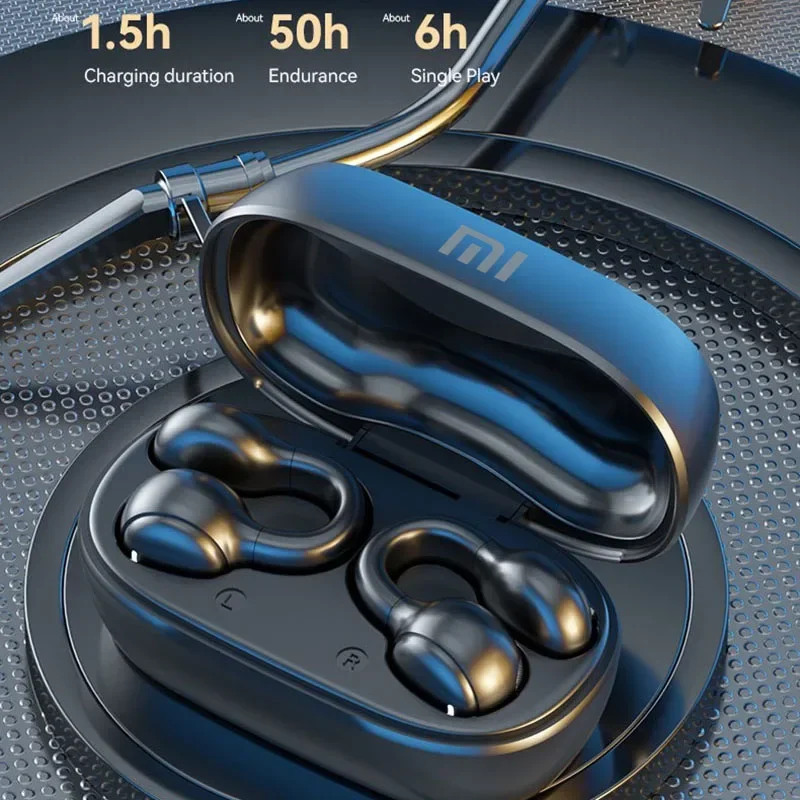
If you’ve ever been frustrated by earbuds constantly slipping from your ears, you’re not alone. Whether you’re running, working out at the gym, or simply taking calls on the go, a secure fit is just as important as sound quality. Luckily, in 2025, some wireless earbuds are designed specifically to stay in place without sacrificing comfort.
🔹 Why Some Earbuds Don’t Stay In
Earbuds tend to fall out because:
- The ear tips are the wrong size (too small or too big).
- The design lacks stability features like ear hooks or wingtips.
- Sweating, chewing, or moving your jaw loosens them.
🔹 Features That Keep Earbuds Secure
When searching for earbuds that won’t fall out, look for:
- Customizable ear tips (silicone or memory foam).
- Ear hooks or wingtips for extra support.
- Lightweight, ergonomic designs that stay comfortable.
- Sweat and water resistance for sports or outdoor use.
🔹 Top Wireless Earbuds That Stay Put in 2025
🎧 Bose QuietComfort Ultra
- Industry-leading noise cancellation.
- Ergonomic fit designed for all-day comfort.
- Secure design that won’t slip during movement.
👉 Buy Bose QuietComfort Ultra – Only $109
🎧 Xiaomi TWS Earbuds (Bluetooth 5.3)
- Lightweight and ergonomic with ENC mic.
- Long battery life and reliable Bluetooth connection.
- Fits securely for daily use.
👉 Shop Xiaomi TWS Earbuds
🎧 Sony TWS Mini Earbuds
- Waterproof, perfect for running and workouts.
- HiFi sound with a compact, stable design.
👉 Check Sony TWS Mini Earbuds
🎧 Xiaomi Mate 50 Wireless Earbuds
- HiFi sound with built-in mic.
- Comfortable fit for everyday use.
👉 View Xiaomi Mate 50
🔹 Tips to Prevent Earbuds From Falling Out
- Try different ear tip sizes for the perfect fit.
- Use foam tips if silicone doesn’t stay secure.
- For sports, pick earbuds with hooks or wingtips.
✅ Final Answer: The best wireless earbuds that won’t fall out in 2025 are the Bose QuietComfort Ultra, Xiaomi TWS Earbuds, Sony TWS Mini, and Xiaomi Mate 50. Each offers a secure fit, comfort, and excellent sound — ideal for workouts, travel, and everyday use.
👉 Discover more at Devixo.store.
🏆5- Which Wireless Earbuds Have the Best Sound Quality?

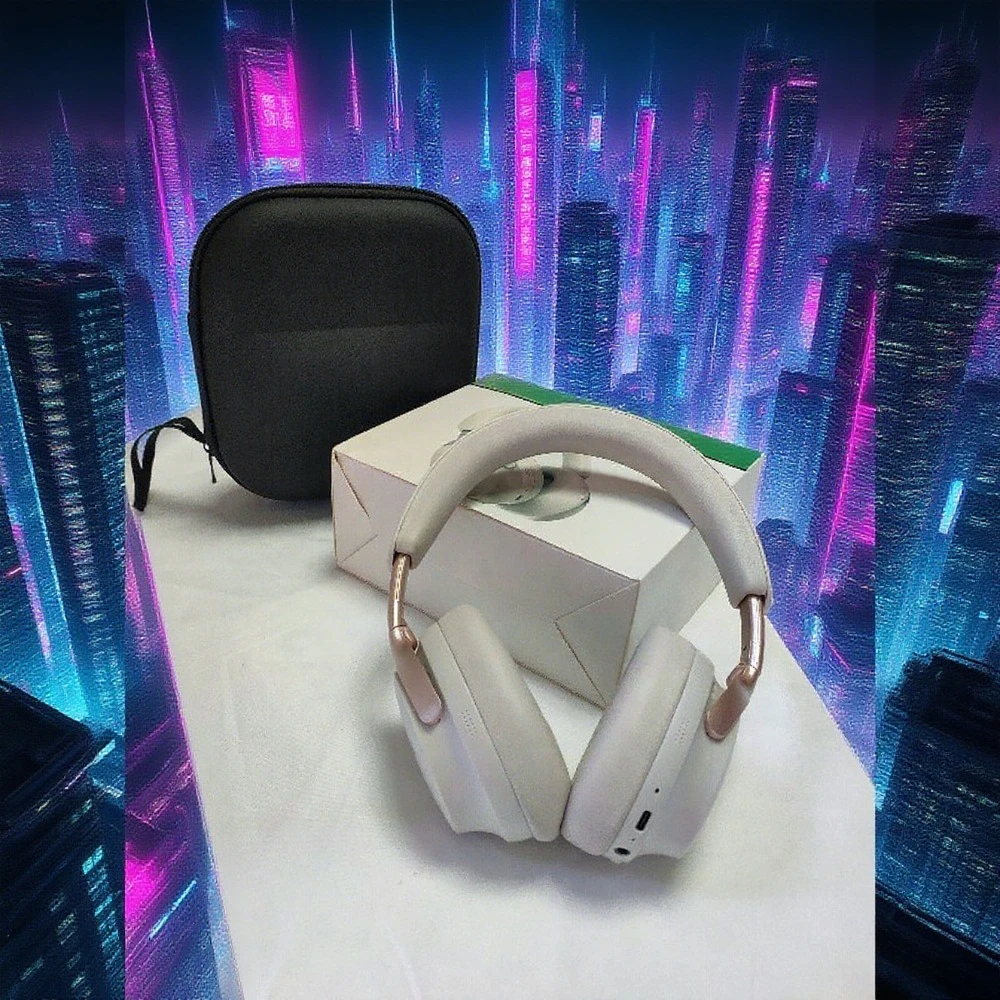
When it comes to wireless earbuds, sound quality is the most important factor for music lovers, gamers, and professionals. In 2025, the market is filled with advanced options offering Hi-Fi audio, noise cancellation, and immersive bass. But which wireless earbuds truly deliver the best sound quality? Let’s dive into the top picks available at Devixo.store
.
🔹 Why Sound Quality Matters
High-quality sound isn’t just about volume. It’s about:
- Deep, punchy bass for powerful music.
- Clear mids and highs for vocals and instruments.
- Noise cancellation to eliminate distractions.
- Hi-Fi balance that makes every detail stand out.
🔹 Top Wireless Earbuds with the Best Sound Quality in 2025
🎧 Bose QuietComfort Ultra – Wireless Bluetooth Headset
- Premium Bose sound with rich bass and crystal-clear highs.
- Industry-leading noise cancellation.
- Comfortable, all-day wear.
- Priced at just $109 on Devixo.store (compared to $200+ elsewhere).
🎧 Sony TWS Mini Earbuds – Waterproof HiFi Sound
- Compact, waterproof design.
- Hi-Fi stereo with balanced sound profile.
- Perfect for workouts and outdoor use.
🎧 Sony TWS Earbuds – Bluetooth ENC 9D Stereo Display
- 9D stereo sound for an immersive experience.
- ENC microphone for crystal-clear calls.
- Great choice for gamers and music lovers.
🎧 Xiaomi TWS Earbuds – Bluetooth 5.3 ENC Mic
- Advanced Bluetooth 5.3 for stable sound transmission.
- ENC noise reduction for calls.
- Hi-Fi stereo with deep bass.
🎧 Xiaomi Mate 50 Wireless Earbuds – HiFi Mic
- Hi-Fi sound with strong bass response.
- Lightweight and comfortable for long sessions.
- Excellent balance between price and sound quality.
🔹 User Experiences & Reviews
- Audiophiles prefer Bose for unmatched depth and clarity.
- Gamers love Sony ENC 9D Stereo for immersive sound.
- Everyday users appreciate Xiaomi TWS for affordability and quality.
🔹 Quick Comparison Table
| Earbuds | Sound Quality | Noise Cancellation | Best For | Price |
|---|---|---|---|---|
| Bose QuietComfort Ultra | ★★★★★ Premium Hi-Fi | Advanced | Music & Travel | $109 |
| Sony TWS Mini | ★★★★☆ Hi-Fi Stereo | Waterproof Only | Sports & Outdoors | Affordable |
| Sony ENC 9D Stereo | ★★★★☆ Immersive 9D | ENC Mic | Gaming & Calls | Mid-range |
| Xiaomi TWS 5.3 | ★★★★☆ Hi-Fi Stereo | ENC Mic | Everyday Use | Budget |
| Xiaomi Mate 50 | ★★★★☆ Balanced Hi-Fi | Standard | Casual Listening | Budget |
✅ Final Verdict
If you’re after the best sound quality, the Bose QuietComfort Ultra leads the pack with its Hi-Fi performance and unbeatable price at Devixo.store
. For budget-friendly options, Xiaomi TWS 5.3 and Sony ENC 9D Stereo deliver impressive sound without breaking the bank.
👉 Explore the full range of earbuds at Devixo.store
.
🏆6-Are Cheap Wireless Earbuds as Good as Expensive Ones?

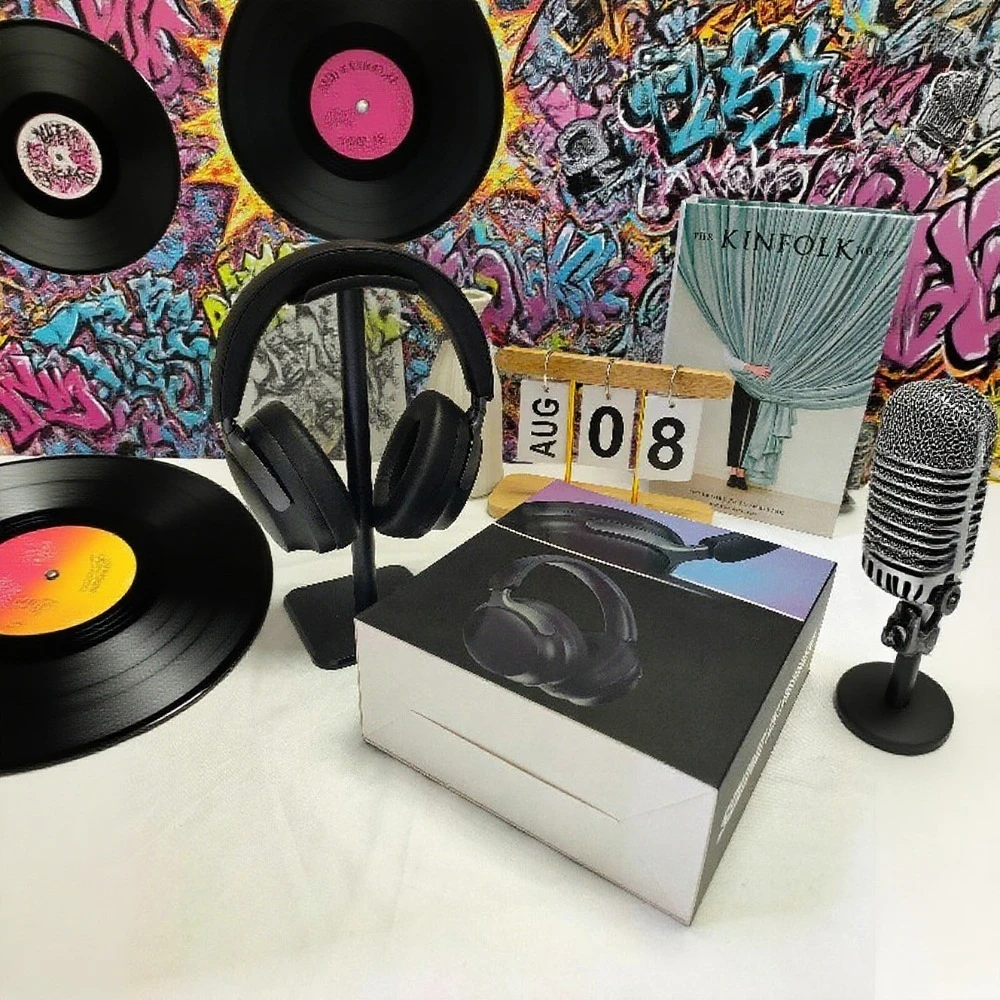
Wireless earbuds have become a must-have accessory in 2025, offering music, calls, and gaming features on the go. But one of the most common questions is: are cheap wireless earbuds just as good as expensive ones? Let’s compare the two categories and highlight the best picks from Devixo.store
🔹 The Difference Between Cheap and Expensive Earbuds
- Sound Quality
- Expensive earbuds like Bose QuietComfort Ultra deliver Hi-Fi sound with deep bass and crystal-clear highs.
- Cheap earbuds, such as Xiaomi TWS 5.3, still offer good sound quality but may not reach premium levels.
- Noise Cancellation
- Premium models feature active noise cancellation (ANC), blocking out most background noise.
- Budget earbuds often rely on ENC (Environmental Noise Cancellation), which reduces noise but not as effectively.
- Build & Comfort
- Expensive earbuds use premium materials, lightweight designs, and memory foam tips.
- Cheaper earbuds may use basic silicone tips and plastic builds, though still comfortable.
- Battery Life
- Premium: 24–30+ hours with the case.
- Budget: Around 15–20 hours, still enough for daily use.
- Extra Features
- Expensive earbuds offer multipoint connection, custom EQ, and touch + voice controls.
- Budget earbuds focus on core functions: Bluetooth 5.3, ENC mic, and touch control.
🔹 Affordable Earbuds Worth Considering
🎧 Xiaomi TWS Earbuds Bluetooth 5.3
These budget models provide stable Bluetooth, ENC mic, and Hi-Fi stereo sound at an affordable price.
🔹 Premium Earbuds for Audiophiles
Perfect for those who want deep bass, immersive sound, and advanced noise cancellation.
✅ Final Verdict
Cheap wireless earbuds are great for everyday users, offering reliable performance, Bluetooth 5.3, and long battery life. However, expensive earbuds still outperform them in sound detail, noise cancellation, and premium comfort.
👉 If you want the best balance between price and quality, check out the full collection at Devixo.store
🏆7-What Are the Best Wireless Earbuds for Zoom Meetings?

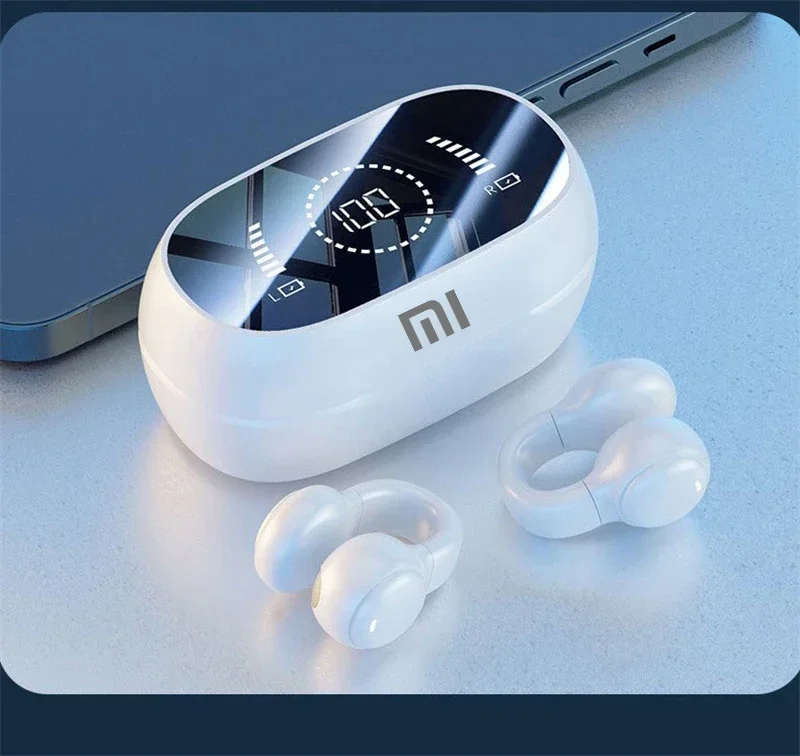
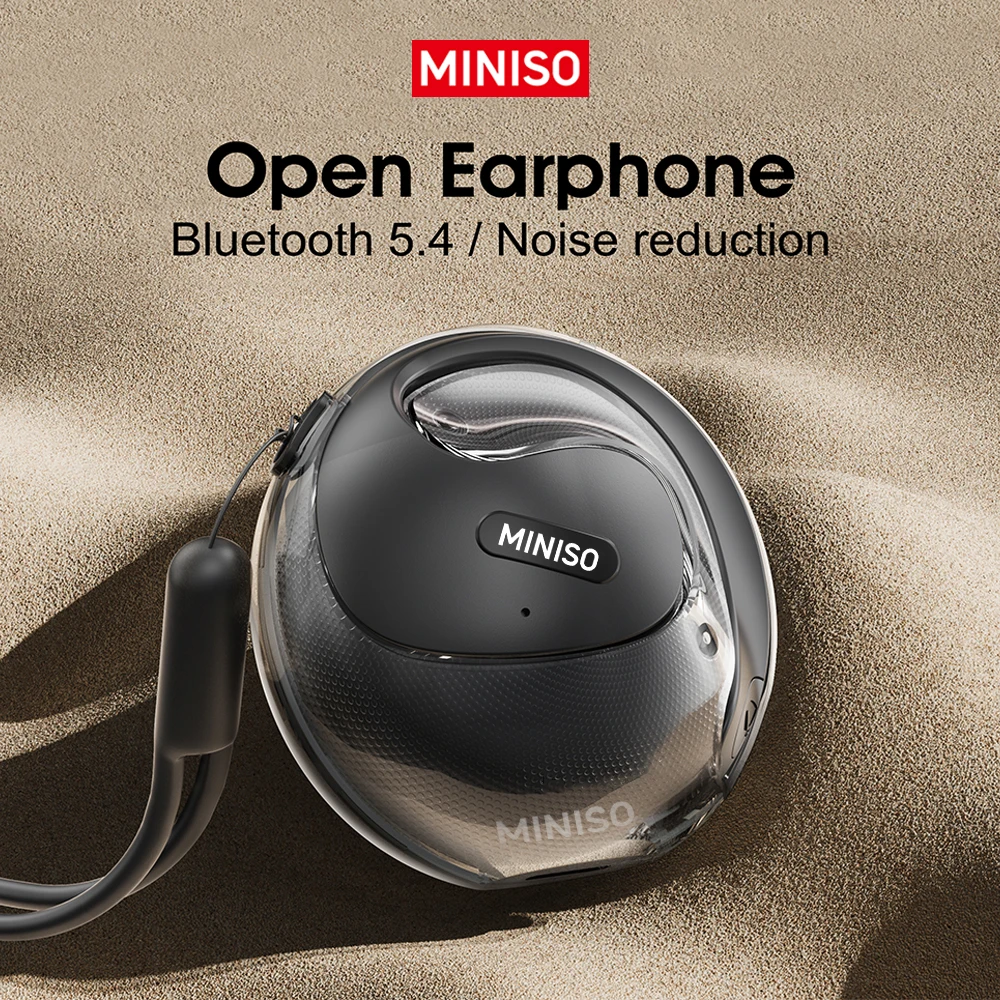
In today’s world of remote work, online education, and virtual meetings, having the right pair of wireless earbuds is no longer a luxury—it’s a necessity. Whether you’re attending a high-stakes Zoom presentation, an online class, or a casual catch-up with your team, the quality of your earbuds directly affects how professional and clear you sound.
So, what makes earbuds suitable for Zoom? The most important factors are:
- Crystal-clear microphone quality
- Noise cancellation (ANC) to block distractions
- Comfort for long calls
- Stable Bluetooth connectivity
Below, we compare some of the best wireless earbuds for Zoom meetings that combine these features.
🔹 Apple AirPods Pro (2nd Gen)
- Why they’re great: Seamless connection with Apple devices, industry-leading ANC, and adaptive microphones that adjust to your environment.
- Best for: iPhone, iPad, and Mac users who want effortless integration and professional sound during calls.
🔹 Sony WF-1000XM5
- Why they’re great: Sony’s flagship earbuds deliver exceptional sound, top-class ANC, and excellent microphones that ensure you’re heard clearly on Zoom.
- Best for: Professionals who want both great music and meeting performance, especially in noisy environments.
🔹 Bose QuietComfort Earbuds II
- Why they’re great: Bose is famous for noise cancellation, and these earbuds excel at blocking background noise while keeping your voice crisp.
- Best for: People working from cafés, busy homes, or shared office spaces.
🔹 Jabra Elite 7 Pro
- Why they’re great: Designed with business calls in mind, Jabra includes MultiSensor Voice technology for enhanced mic performance, plus a comfortable fit for long hours.
- Best for: Professionals who spend a lot of time on Zoom, Microsoft Teams, or Google Meet.
🔹 Google Pixel Buds Pro
- Why they’re great: Excellent voice clarity, low-latency connection with Android devices, and strong ANC performance.
- Best for: Android users who want a balance between productivity and entertainment.
✅ Quick Comparison Table
| Earbuds | Key Strength | Ideal For |
|---|---|---|
| AirPods Pro (2nd Gen) | Seamless Apple use | iPhone & Mac users |
| Sony WF-1000XM5 | Balanced excellence | Noisy home or office environments |
| Bose QuietComfort Earbuds II | Best ANC | Busy cafés or shared spaces |
| Jabra Elite 7 Pro | Call-focused design | Business professionals |
| Google Pixel Buds Pro | Android integration | Android ecosystem users |
🎯 Conclusion
The best wireless earbuds for Zoom meetings depend on your environment and device ecosystem.
- If you’re an Apple user, go for the AirPods Pro 2.
- If you want the best ANC, Bose QuietComfort Earbuds II are unbeatable.
- For balanced work and music use, Sony WF-1000XM5 are an excellent choice.
- If you spend hours on calls daily, Jabra Elite 7 Pro are designed for you.
Choosing the right pair ensures you always sound clear, professional, and confident on Zoom.
🏆8-What Is the Difference Between Cheap and Expensive Wireless Earbuds?

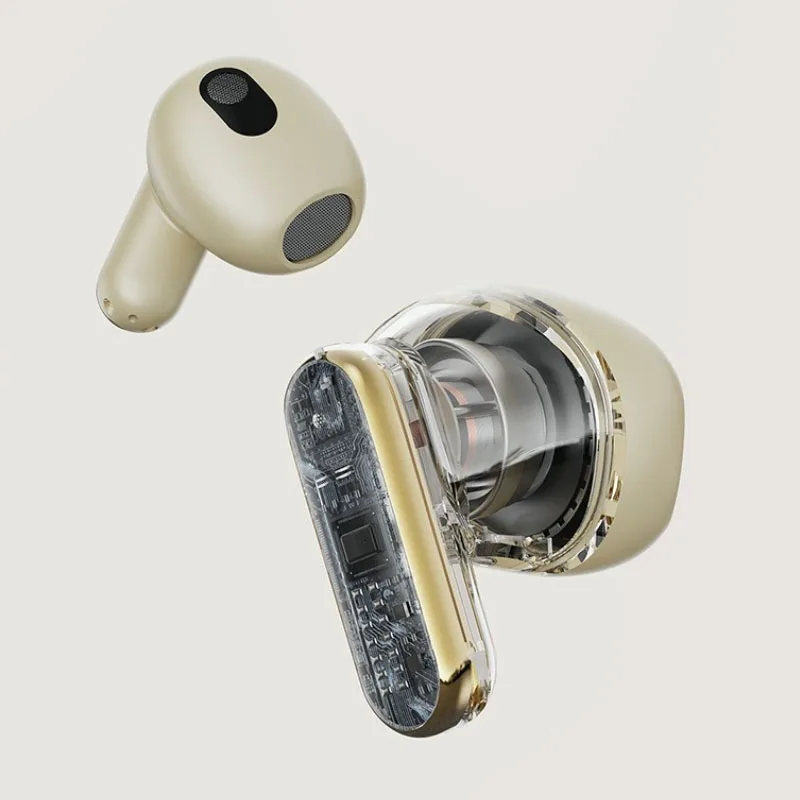

Wireless earbuds have become one of the most popular tech accessories in the world, but with so many options on the market, prices can range anywhere from $20 to over $300. This leaves many people wondering: what exactly makes expensive earbuds better than cheap ones?
Let’s break down the key differences.
🔹 1. Sound Quality
- Cheap Earbuds: Usually offer decent sound but often lack depth in bass, clarity in mids, and crisp highs. They may distort at high volume.
- Expensive Earbuds: Brands like Bose, Sony, and Apple invest heavily in audio engineering, delivering balanced, high-resolution sound that feels immersive.
🔹 2. Noise Cancellation (ANC)
- Cheap Earbuds: Many affordable models don’t include active noise cancellation, relying only on passive noise isolation.
- Expensive Earbuds: Premium models come with advanced ANC, which blocks out background sounds for better focus during travel, work, or calls.
🔹 3. Microphone & Call Quality
- Cheap Earbuds: The microphone quality is often average, which can make your voice sound muffled during calls.
- Expensive Earbuds: High-end earbuds use multiple microphones with AI noise reduction, ensuring crystal-clear calls even in noisy environments.
🔹 4. Battery Life & Charging
- Cheap Earbuds: Battery life is typically shorter, around 3–4 hours per charge. Cases may not provide fast or wireless charging.
- Expensive Earbuds: Premium options often provide 6–8 hours per charge with cases extending up to 24–30 hours, plus fast charging and sometimes wireless charging.
🔹 5. Comfort & Build Quality
Cheap Earbuds: Made with basic plastic and limited ear tip options, leading to discomfort during long use.
- Expensive Earbuds: Designed with ergonomics in mind, using lightweight materials, multiple ear tips, and sweat/water resistance.
🔹 6. Extra Features
- Cheap Earbuds: Usually focus on basic functions—play, pause, and simple Bluetooth connection.
- Expensive Earbuds: Offer touch controls, voice assistant support, multipoint pairing, low-latency gaming modes, and custom EQ settings.
✅ Summary Table
| Feature | Cheap Earbuds | Expensive Earbuds |
|---|---|---|
| Sound Quality | Basic, average clarity | Premium, immersive, detailed |
| Noise Cancellation | Rare or basic | Advanced ANC |
| Call Quality | Decent, sometimes muffled | Clear, professional-grade |
| Battery Life | Shorter (3–4 hrs) | Longer (6–8 hrs + case) |
| Comfort & Build | Basic plastic, limited comfort | Ergonomic, durable, sweat-resistant |
| Extra Features | Few | Many (touch, multipoint, AI features) |
🎯 Conclusion
The main difference between cheap and expensive wireless earbuds lies in quality, comfort, and features. While cheap earbuds are fine for casual use, expensive models provide a premium experience with superior sound, noise cancellation, and advanced features.
If you’re on a budget, cheap earbuds can be a good start—but if you want long-lasting, professional-quality performance, investing in a high-end pair is worth it.
🏆9-Do Wireless Earbuds Need WiFi to Work?
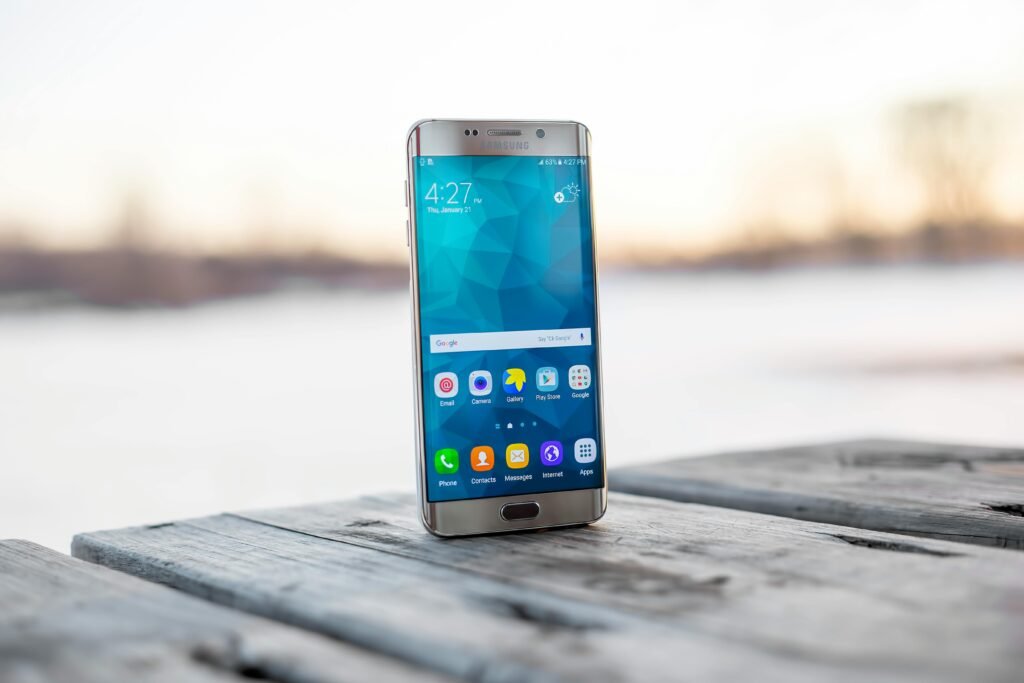
Wireless earbuds have become a must-have accessory for music, calls, gaming, and even fitness. But many people still ask: Do wireless earbuds require WiFi to function? The answer is No—wireless earbuds do not need WiFi to work. Instead, they rely on Bluetooth technology.
Let’s explore this in detail.
🔹 1. Bluetooth, Not WiFi
- Wireless earbuds connect to your phone, laptop, or tablet using Bluetooth.
- Bluetooth allows short-range communication (usually up to 10 meters / 33 feet) without requiring internet.
- This means you can listen to music, watch videos, or take calls even without WiFi.
🔹 2. When WiFi Is Involved
While earbuds don’t need WiFi, the content you play might:
- If you are streaming music (Spotify, YouTube, Apple Music), you’ll need WiFi or mobile data for the app.
- If you already downloaded music or videos to your device, you can play them offline with no WiFi.
🔹 3. Calls & Video Meetings
- For regular phone calls, earbuds only use Bluetooth to connect to your device.
- For Zoom, WhatsApp, or Teams calls, you’ll need WiFi or mobile data for the app to connect, but the earbuds themselves still just use Bluetooth.
🔹 4. Battery Life & Performance
- Since earbuds don’t depend on WiFi, battery consumption stays focused on Bluetooth and audio processing.
- This makes them more efficient and ensures they work anywhere—even on airplanes where WiFi might be off.
🎯 Conclusion
Wireless earbuds do not need WiFi to work. They rely on Bluetooth connectivity to pair with your device. However, if you want to stream online content or join virtual meetings, WiFi (or mobile data) is required for your apps, not for the earbuds themselves.
👉 In short: Bluetooth is the key connection, not WiFi.
🏆10-How Does SoundGuys Choose the Best Wireless Earbuds?

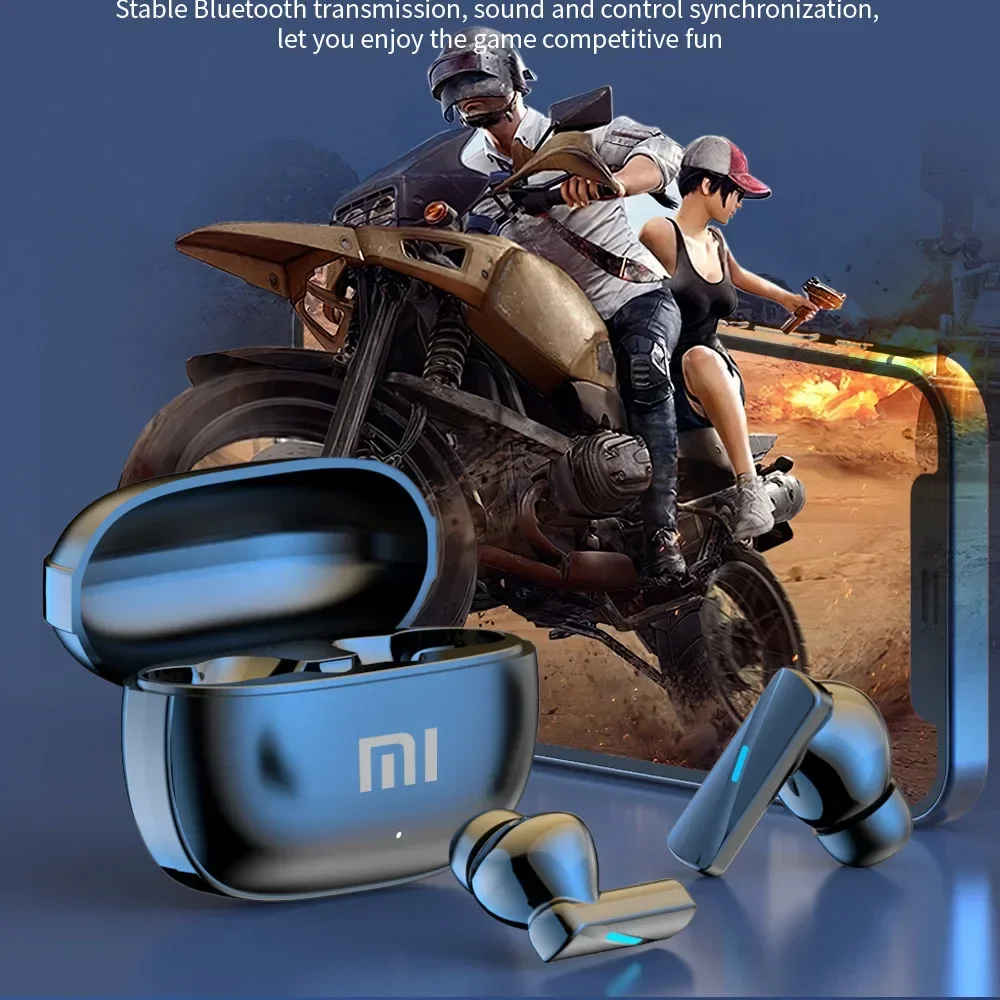

When it comes to finding reliable recommendations for audio gear, SoundGuys is one of the most trusted sources online. Their reviews of wireless earbuds are detailed, unbiased, and highly respected. But many people wonder: How does SoundGuys actually choose the best wireless earbuds?
Here’s a breakdown of the criteria and testing methods they use.
🔹 1. Sound Quality Testing
- SoundGuys uses objective audio measurements with professional equipment.
- They check for frequency response, clarity, bass depth, and overall balance.
- Earbuds that provide natural, accurate sound score higher.
🔹 2. Noise Cancellation & Isolation
- Active Noise Cancelling (ANC) and passive noise isolation are carefully tested.
- They measure how well earbuds block out background sounds in real environments.
🔹 3. Comfort & Fit
- Comfort is essential, especially for long listening sessions.
- SoundGuys tests earbuds on different ear shapes and sizes to evaluate ergonomics and stability.
🔹 4. Battery Life & Charging
- Earbuds are tested for real-world battery performance, not just manufacturer claims.
- They check playback time, standby drain, and quick-charge efficiency.
🔹 5. Connectivity & Features
Bluetooth stability and codec support (like SBC, AAC, aptX, LDAC) are reviewed.
- Extra features like touch controls, multipoint connection, and app customization are also considered.
🔹 6. Microphone Performance
- Since many people use earbuds for calls and Zoom meetings, SoundGuys tests mic clarity in quiet and noisy conditions.
🔹 7. Value for Money
- Finally, they compare the price to the overall performance.
- Expensive doesn’t always mean better—sometimes budget earbuds deliver surprising results.
🎯 Conclusion
SoundGuys chooses the best wireless earbuds based on a mix of scientific measurements and real-world testing. By evaluating sound quality, comfort, battery life, features, and value, they provide recommendations that consumers can trust.
So when SoundGuys says a pair of earbuds is worth buying, it’s because they’ve been tested thoroughly, not just marketed well.
🏆11-What Is Bluetooth Multipoint for Wireless Earbuds?
If you’ve ever wanted to connect your wireless earbuds to two devices at the same time, then you’ve already wished for what’s called Bluetooth Multipoint. This feature is becoming increasingly popular in modern earbuds, and it’s a game-changer for people who multitask between phones, laptops, and tablets.
🔹 1. Definition of Bluetooth Multipoint
Bluetooth Multipoint is a technology that allows your earbuds to connect to two (or more) devices simultaneously. Instead of disconnecting and reconnecting every time you switch devices, multipoint handles it automatically.
🔹 2. How It Works
- Imagine you’re listening to music on your laptop.
- Your phone rings → the earbuds pause the music and let you answer the call instantly.
- When the call ends, the earbuds switch back to your laptop without you doing anything.
This seamless transition is exactly what Bluetooth Multipoint is designed for.
🔹 3. Key BenefitsConvenience: No need to manually reconnect when switching devices.
- Productivity: Great for people working remotely—take Zoom calls on your laptop, then switch to your phone instantly.
- Flexibility: Perfect if you use multiple devices daily (work + personal).
🔹 4. Limitations
- Not all earbuds support Bluetooth Multipoint.
- Some may only support two devices, while high-end models might handle more.
- Multipoint performance depends on Bluetooth version and manufacturer implementation.
🔹 5. Examples of Earbuds with Multipoint
- Jabra Elite 7 Pro / Elite 85t
- Sony WF-1000XM5
- Bose QuietComfort Earbuds II
- Some Xiaomi and newer TWS models
🎯 Conclusion
Bluetooth Multipoint is a powerful feature that makes wireless earbuds more practical, flexible, and user-friendly. If you regularly switch between devices, investing in earbuds with multipoint support can save you time and hassle.
🏆12-What Are the Longest-Lasting Wireless Earbuds?

When shopping for wireless earbuds, one of the most important features to consider is battery life. Nobody wants their earbuds to die halfway through a workday, workout, or long trip. The good news is that many brands now focus on long-lasting performance, with some models offering up to 40+ hours of total playtime.
So, what are the best long battery wireless earbuds you can get in 2025? Let’s break it down.
🔹 1. Sony WF-1000XM5
- Battery Life: Up to 8 hours per charge + 24 hours with the case.
- Why they’re great: Premium sound, excellent ANC, and reliable all-day use.
🔹 2. Bose QuietComfort Earbuds II
- Battery Life: Around 6 hours per charge + 18 hours with case.
- Why they’re great: Not the longest battery, but industry-leading noise cancellation makes them worth it.
🔹 3. Jabra Elite 7 Pro
- Battery Life: 8 hours per charge + 30 hours with case.
- Why they’re great: Balanced design with a focus on calls and business use.
🔹 4. Anker Soundcore Liberty 4 NC
- Battery Life: Up to 10 hours per charge + 40 hours with the charging case.
- Why they’re great: Budget-friendly with massive battery life.
🔹 5. Beats Fit Pro
- Battery Life: 6 hours per charge + 24 hours with case.
- Why they’re great: Designed for active lifestyles, especially workouts.
🔹 6. Special Mentions – Sport & Gaming Earbuds
Some earbuds focus on extra-long playtime for workouts and gaming, like:
- Sport Bluetooth Earbuds (40h battery) – perfect for athletes.
- Wireless Gaming Earbuds 5.3 with RGB case – stylish and long-lasting.
🎯 Tips for Choosing Longest-Lasting Earbuds
- Check both per-charge and total case life.
- Turn off ANC if you want extended battery use.
- Consider your lifestyle: office use, gym, or travel.
✅ Conclusion
The longest-lasting wireless earbuds in 2025 include the Anker Soundcore Liberty 4 NC with 50 hours total, Sony WF-1000XM5, and Jabra Elite 7 Pro. For those on a budget, sport earbuds with 40h battery life also deliver excellent performance.
👉 If battery life is your top priority, go for models that combine at least 8-10 hours per charge with 30–50 hours from the case.
🏆13-What kind of speakers do wireless earbuds use?
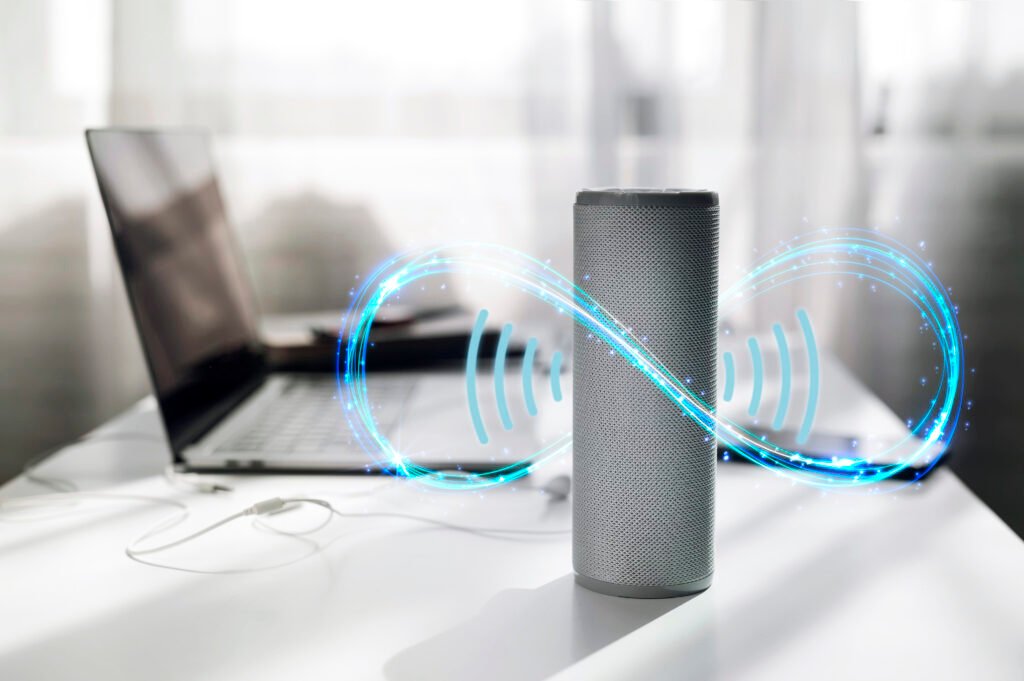
Wireless earbuds may be small, but inside them lies impressive audio technology that delivers clear sound, deep bass, and crisp highs. The secret is in the type of speakers—more accurately called drivers—that earbuds use.
Most wireless earbuds use dynamic drivers, which are compact, efficient, and capable of producing powerful bass while keeping costs down. These drivers work like miniature versions of traditional speakers, with a diaphragm that vibrates to create sound waves. Dynamic drivers are the most common because they provide a balanced mix of quality and affordability.
Some premium earbuds, like high-end models from Bose, Sony, and Sennheiser, include balanced armature drivers. These are tiny, specialized drivers originally designed for hearing aids. They excel at delivering precise mids and highs, making them perfect for vocals and instruments. However, they often need to be paired with dynamic drivers to achieve a fuller sound.
Another advanced option is planar magnetic drivers, though they are rare in wireless earbuds due to size and cost. Planar drivers provide extremely detailed, natural audio that audiophiles love, but they’re typically found in larger over-ear headphones.
Modern earbuds often combine multiple driver types (known as hybrid driver systems) to balance bass, mids, and highs. This is why some wireless earbuds sound remarkably close to studio headphones, despite their small size.
When choosing wireless earbuds, the type of driver matters if you’re serious about audio. Budget earbuds usually stick with dynamic drivers, while more expensive ones often use hybrid or armature setups to deliver richer sound.
👉 If you’re looking for earbuds that deliver premium sound at a great price, check out the Bose QuietComfort Ultra Wireless Headset, available at Devixo.store for just $109 (compared to over $200 in other stores).
🏆14-Which wireless earbuds are best?

With so many wireless earbuds on the market, finding the best pair depends on your needs—whether it’s sound quality, comfort, battery life, or price. Here’s a breakdown of what makes certain earbuds stand out:
- Sound Quality – Premium earbuds from brands like Bose, Sony, and Apple deliver balanced audio with rich bass, clear mids, and crisp highs. Bose is especially known for its natural sound profile and powerful noise cancellation.
- Comfort and Fit – The best earbuds are designed to stay secure during workouts or long listening sessions. Look for models with multiple ear tip sizes and ergonomic designs.
- Battery Life – Top models now last between 6–12 hours per charge, with charging cases extending total playtime to 30+ hours.
- Noise Cancellation – If you commute, travel, or work in noisy environments, ANC (Active Noise Cancellation) is a must-have feature. Bose and Sony lead in this category, with industry-leading noise-blocking performance.
- Price vs. Value – Expensive earbuds often come with better sound, features, and build quality, but some mid-range options offer fantastic performance at half the cost.
Currently, the Bose QuietComfort Ultra Wireless Headset is one of the best overall choices in 2025. It combines top-tier sound, advanced ANC, long battery life, and excellent comfort. What makes it even more attractive is the price—at Devixo.store, it’s available for just $109, while most other retailers sell it for over $200.
So, if you’re asking “Which wireless earbuds are best?”, the answer is simple: the best ones are those that deliver premium features without draining your wallet—and right now, Bose QuietComfort Ultra hits that sweet spot perfectly.
🏆15-What are the best value for money wireless earbuds?
When shopping for wireless earbuds, many people want the best value for money—a balance between price, sound quality, comfort, and features. Thankfully, in 2025, there are plenty of options that don’t compromise performance while staying budget-friendly.
- Sound Quality at a Lower Price – Mid-range earbuds from Xiaomi and Sony often deliver surprisingly good audio, with deep bass and clear treble, rivaling more expensive brands.
- Battery Life – A good value-for-money earbud should last at least 5–7 hours on a single charge, with charging cases extending playback to 20–30 hours. Many budget-friendly models now match premium ones in this aspect.
- Features You Need – While cheaper earbuds may not have the most advanced noise cancellation, many include ENC (Environmental Noise Cancellation) for clear calls, Bluetooth 5.3 for stable connection, and even gaming modes with low latency.
- Comfort and Fit – Value doesn’t mean discomfort. Many affordable earbuds are designed with ergonomic shapes and multiple ear tips to ensure a secure fit.
💡 One standout example is the Bose QuietComfort Ultra Wireless Headset, which usually costs over $200 in other stores but is available for just $109 at Devixo.store

No comment